
yt-dlp
yt-dlp is a free, public-domain command-line program for downloading video and audio from YouTube and many other video sites.
Windows
Open source

aTube Catcher is free video downloading software from DsNET Corp. for saving online videos to your computer, available for Windows, macOS and Linux.
Average 0.0 · ratings: 0
Thank you! Your rating is saved; you can change it. Could not save the rating. Please try again later. Too many ratings from your network today. Please try again tomorrow. The average appears after 5 ratings.
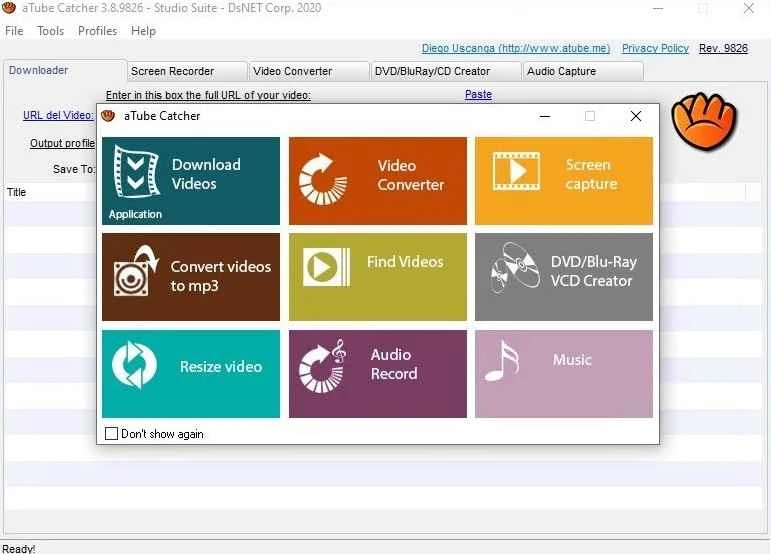
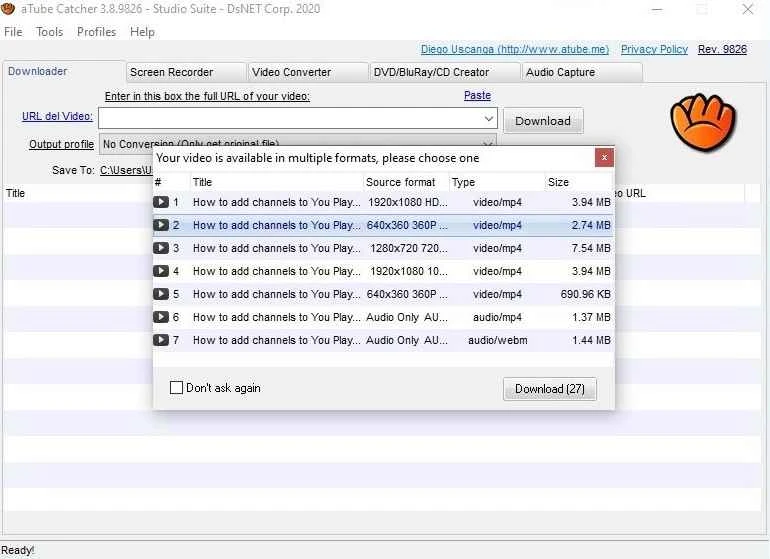
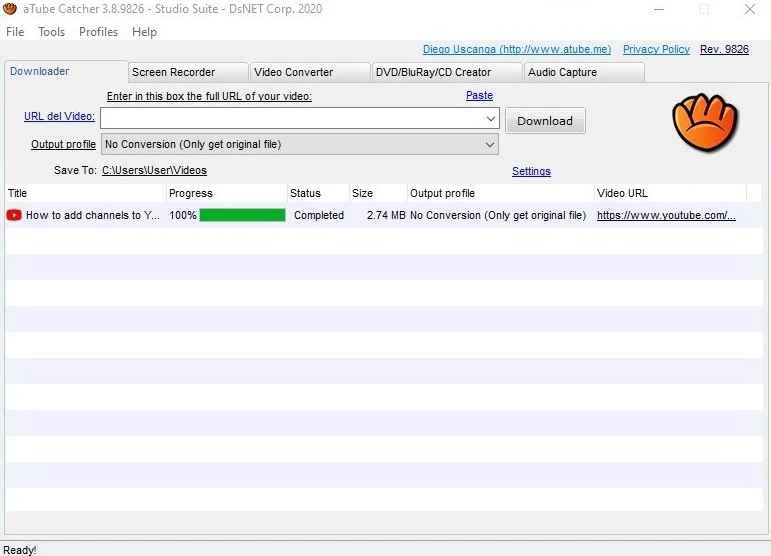
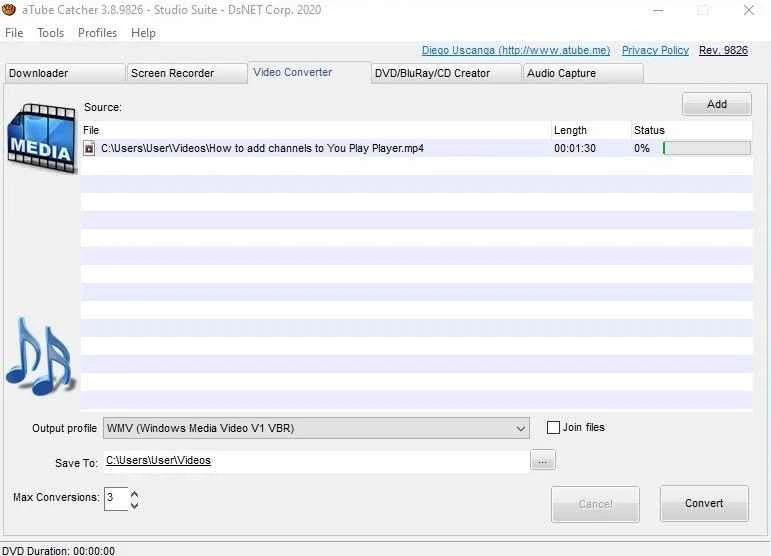
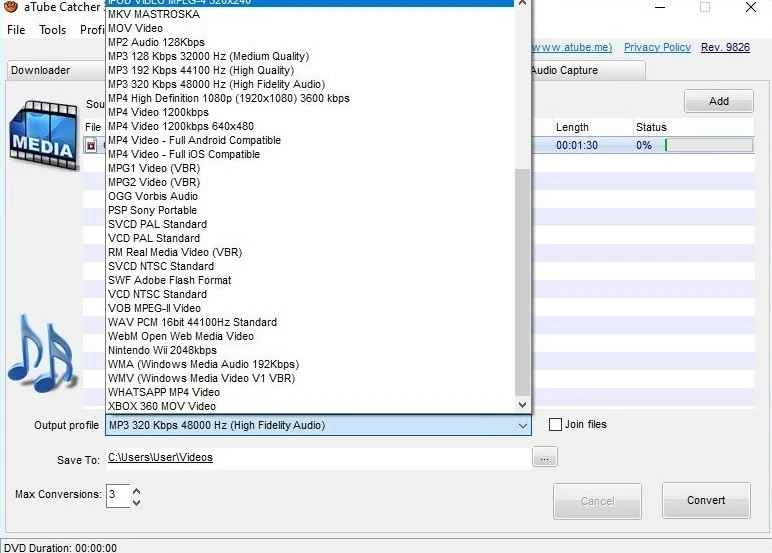
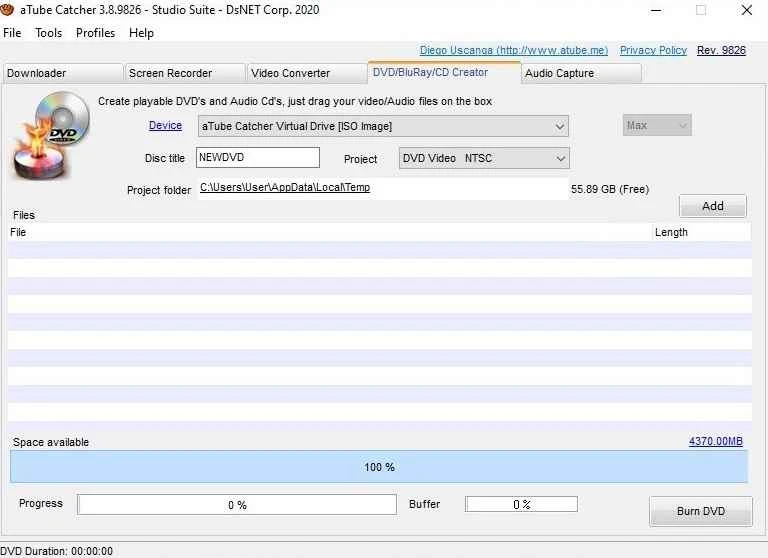
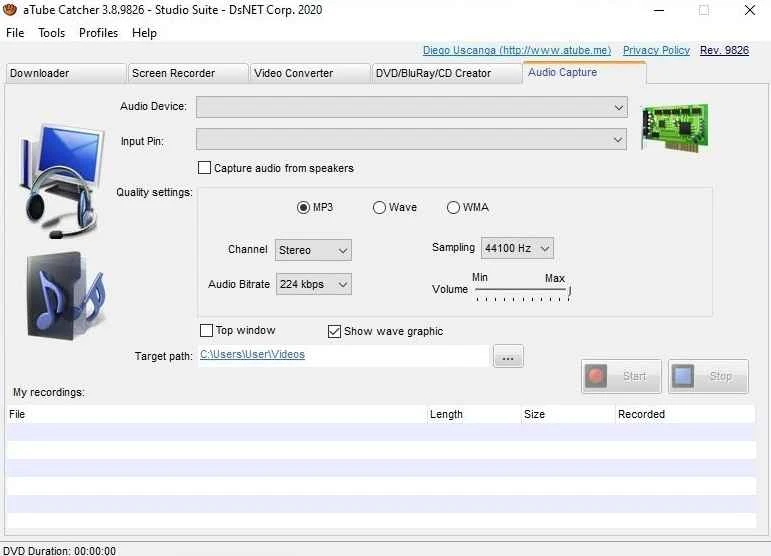
aTube Catcher 26.8.18 is free video downloading software from DsNET Corp. for Windows. You can download aTube Catcher from the official site to save online videos to your PC for offline viewing; builds for macOS and Linux are offered as well.
aTube Catcher has been around for many years and is one of the familiar names among desktop video downloaders. You paste the address of a video page, choose a format and quality, and the program saves the file to a folder of your choice. It can also convert the result into other formats, so a clip can be kept as a video for a phone or as audio only. That covers the typical needs: watching lectures on a train without internet, keeping a copy of your own uploads, or collecting reference clips for a project. The developer publishes separate builds for x64 and arm64 machines, which means it also runs natively on newer ARM-based Windows laptops. The main thing to keep in mind is not technical but legal. Many video platforms forbid downloading in their terms, and copyrighted content may only be saved when the owner allows it or the law of your country permits a private copy. Use the program for content you have the right to keep.
The official downloads page lists Windows 10 or later, macOS 11 or later and Ubuntu 20.04 or later, with x64 and arm64 builds.
Download only from atube.me. Video downloaders are a favourite disguise for adware, and copies on other sites may be bundled with unwanted programs. If your antivirus complains about an installer from an unknown source, do not ignore the warning.
aTube Catcher is free to use.
When a download fails, update the program first: most failures come from changes on the video site. If it still fails, try another quality setting or check whether the video is private or region-restricted.
Other video tools on our site include Any Video Converter, Format Factory and VLC media player; for downloading, yt-dlp and 4K Video Downloader are listed too.
yt-dlp is a free, public-domain command-line program for downloading video and audio from YouTube and many other video sites.

CapCut for Windows is ByteDance's desktop video editor, with a timeline, templates and export presets for short and long videos.

VLC media player is a free, open-source video and audio player for Windows from the VideoLAN team. The current release is 3.0.24.

Green Free Video Converter is a small free Windows program for converting video files between common formats for phones, players and editors.

Format Factory is a free Windows multimedia converter from Free Time for changing video, audio and image files between formats.

Streamlabs OBS, now called Streamlabs Desktop, is a free open-source Windows app for live streaming and recording with built-in alerts and overlays.

Free Cam is a free screen recorder for Windows from iSpring Solutions for recording screencasts with voice-over and trimming them before export.

TikTok for Windows is the desktop app of the short-video platform from TikTok Pte. Ltd., available free from the Microsoft Store.

Iriun Webcam is a small free Windows program that turns an Android phone or iPhone into a wireless webcam for video calls and streaming.